
How to verify my email address
- Published on 29 June 2026
- | Updated on 24 Jul 2026
- | 1 min read
Verifying your email address helps secure your account and gives you access to all Client Portal features, including account rewards and bonuses.
1. Log in to your account
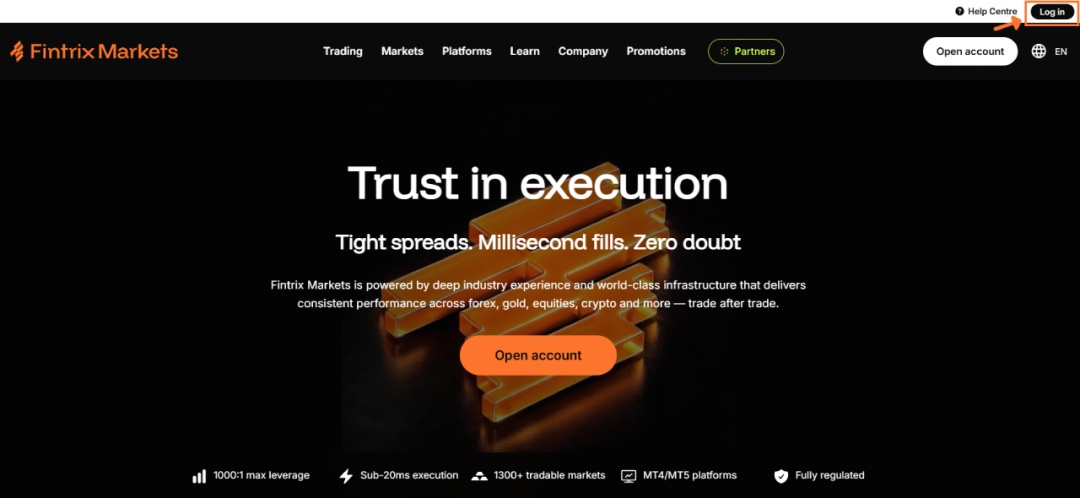
Visit the Fintrix Markets website and click Log in in the top-right corner of the page.
2. Open your Profile
Once logged in:
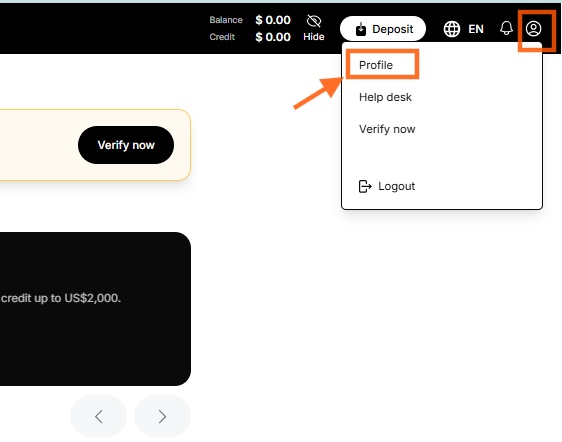
- Click the Profile icon in the top-right corner.
- Select Profile from the dropdown menu.
3. Start the email verification process
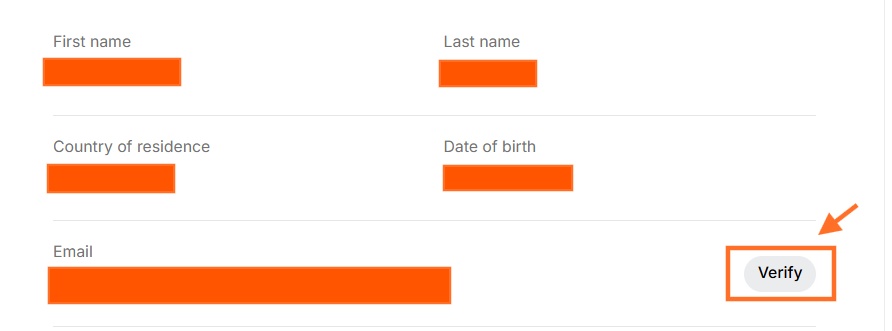
On your Profile page, locate the Email section and click Verify.
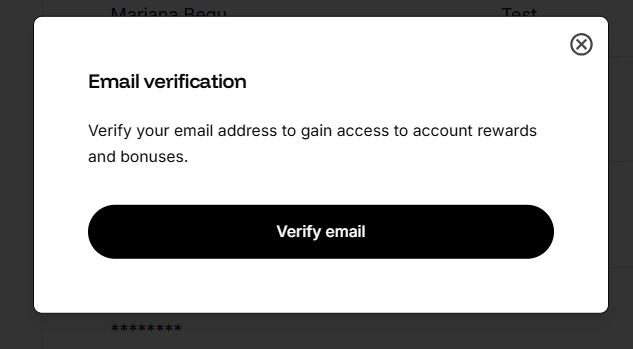
An Email verification window will appear.
Click Verify email to send a verification email to your registered email address.
4. Confirmation that the email has been sent
A confirmation message will appear stating:
“The verification email has been sent.”
If you do not receive the email within a few minutes, please check your Spam or Junk folder.

5. Open the verification email
Open the email titled Confirm your email from Fintrix Markets.
Click the verification link included in the email.
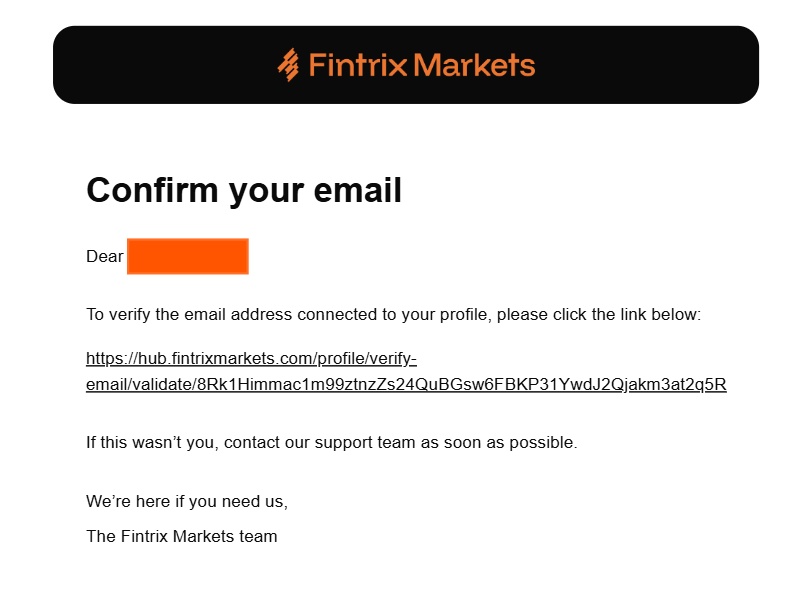
Important: If you did not request this verification, please contact the Fintrix Markets Support Team immediately.
6. Email successfully verified
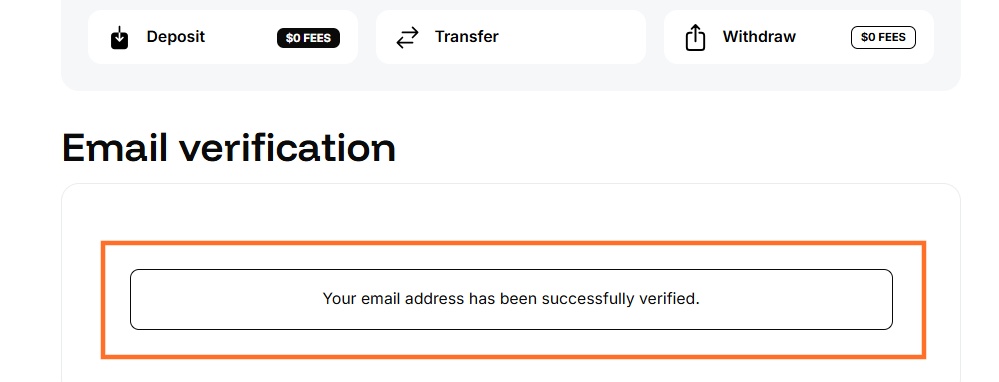
After clicking the verification link, you will be redirected to the Client Portal, where you will see the confirmation message:
“Your email address has been successfully verified.”
Your email address is now verified and your account is ready to access all available features.
Need assistance?
If you experience any issues verifying your email, please contact the Fintrix Markets Support Team via Live Chat or email us at support@fintrixmarkets.com.