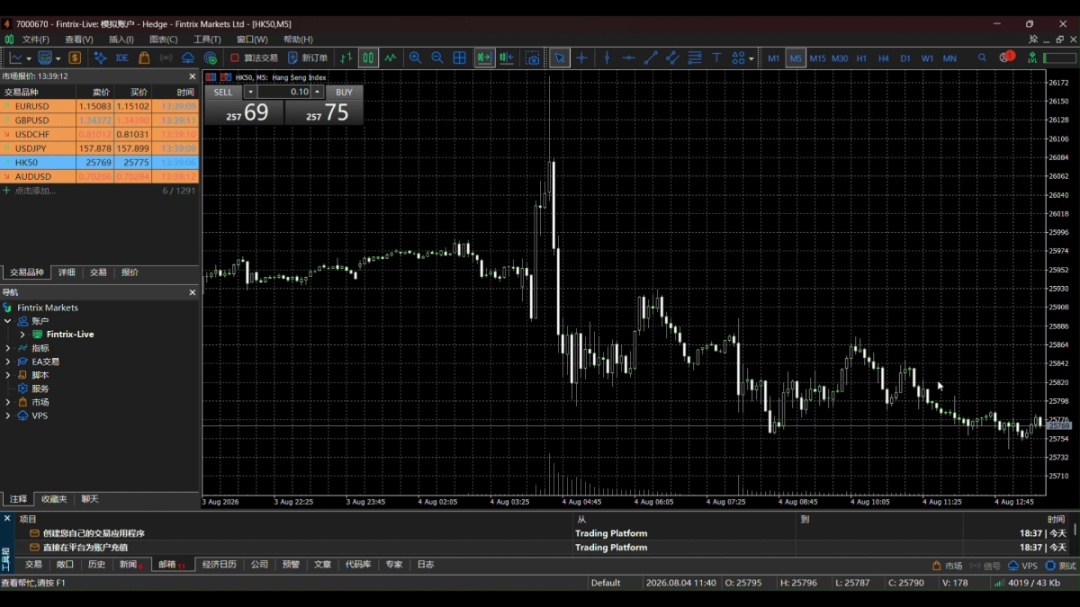
How to switch Access Servers in MT5
- Published on 12 August 2026
- | Updated on 12 Aug 2026
- | 1 min read
This guide explains how to switch Access Servers in MT5 to help improve your connection stability and performance.
For the most reliable connection, we strongly recommend trading on desktop and selecting the CN 1 Access Server. Mobile trading may experience slower or less stable connections for clients in mainland China, so use the desktop terminal wherever possible.
Watch how to switch to the CN 1 Access Server
Watch the video below for a step-by-step guide on switching to the CN 1 Access Server in MT5.
1. Open the Access Server menu
After you log in, right-click the connection status icon in the bottom-right corner of the desktop MT5 terminal. A list of available Access Servers will appear (e.g., NY 1, CN 1, NY 2).
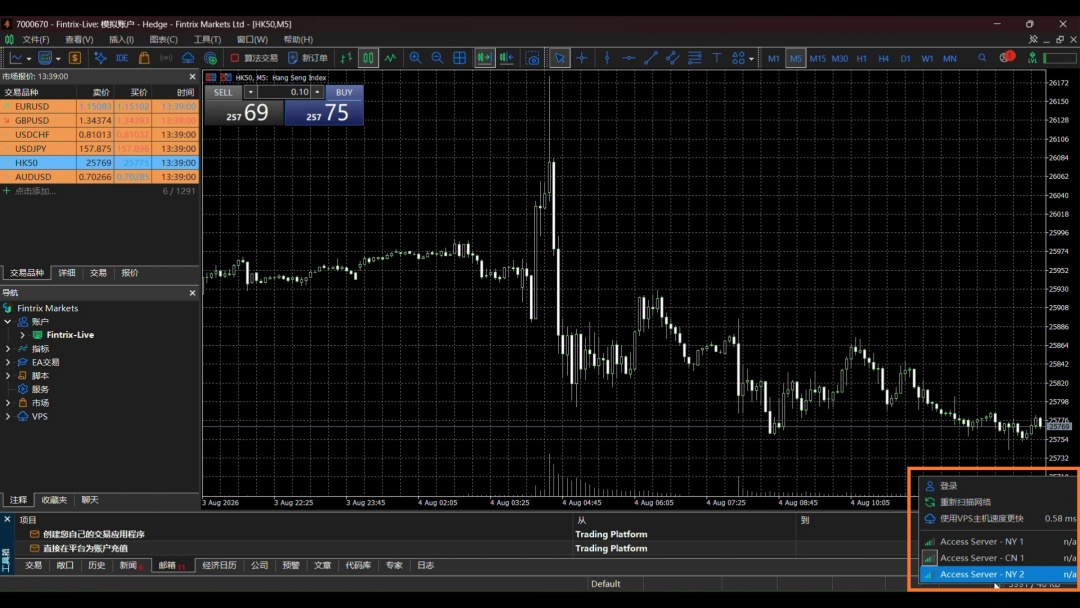
2. Select CN 1
For clients in mainland China, select “Access Server – CN 1”. This is the recommended server for the best connection performance and stability.
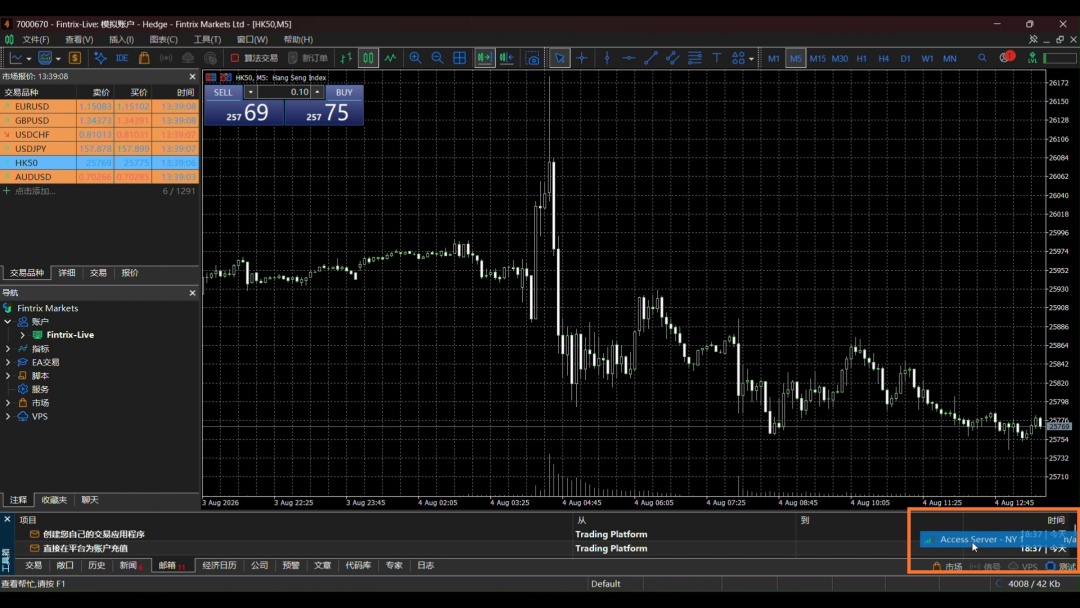
3. Confirm the switch
The terminal reconnects using the selected server — the menu closes automatically once complete.